-1.png?height=120&name=1f83348385b37474578a1d1ffd78b3c8adef03e0%20(1)-1.png)
CureMint's Same Product Price Comparison feature enables purchasers to compare prices for a product that is sold by multiple vendors within your organization's catalog.
While not all of the products in your catalog will be available to purchase from multiple vendors, for those items that are you will see an Also Sold By section on the product details page. This section displays the other vendor(s) that sell this item and at what price. This enables you to compare different vendor prices for the same item.
Along with vendor prices, the section also includes vendor SKUs and the product’s current stock status for each vendor.
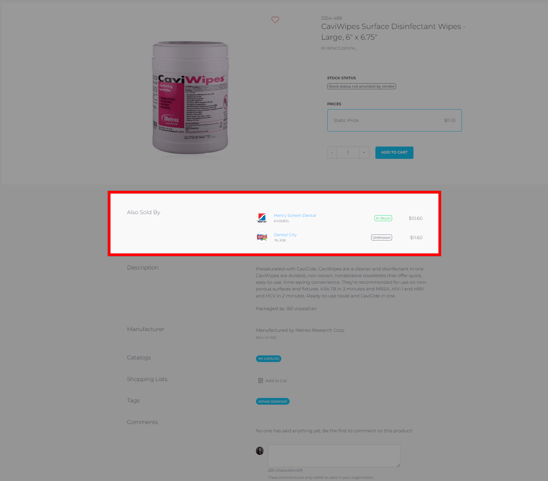
If you find that there is a product is being sold by another vendor at a better price, you can navigate to that product by clicking on the hyperlinked vendor name.
Please note: the Also Sold By section will only appear for exact product matches. Meaning, it must have the same manufacturer SKU.
When you are ready to check out, select the blue shopping cart icon in the upper right hand corner of the screen and proceed to checkout.
Still have more questions? Please reach out to support@curemint.io